 TrailWise
Planning Your Next Hill Walk: From the Sofa to the Summit
Great days on the hill start with great planning. Learn how to build routes, check difficulty ratings, download offline maps, and share your plans before you head out.
Published
19th May, 2026
Tags
2
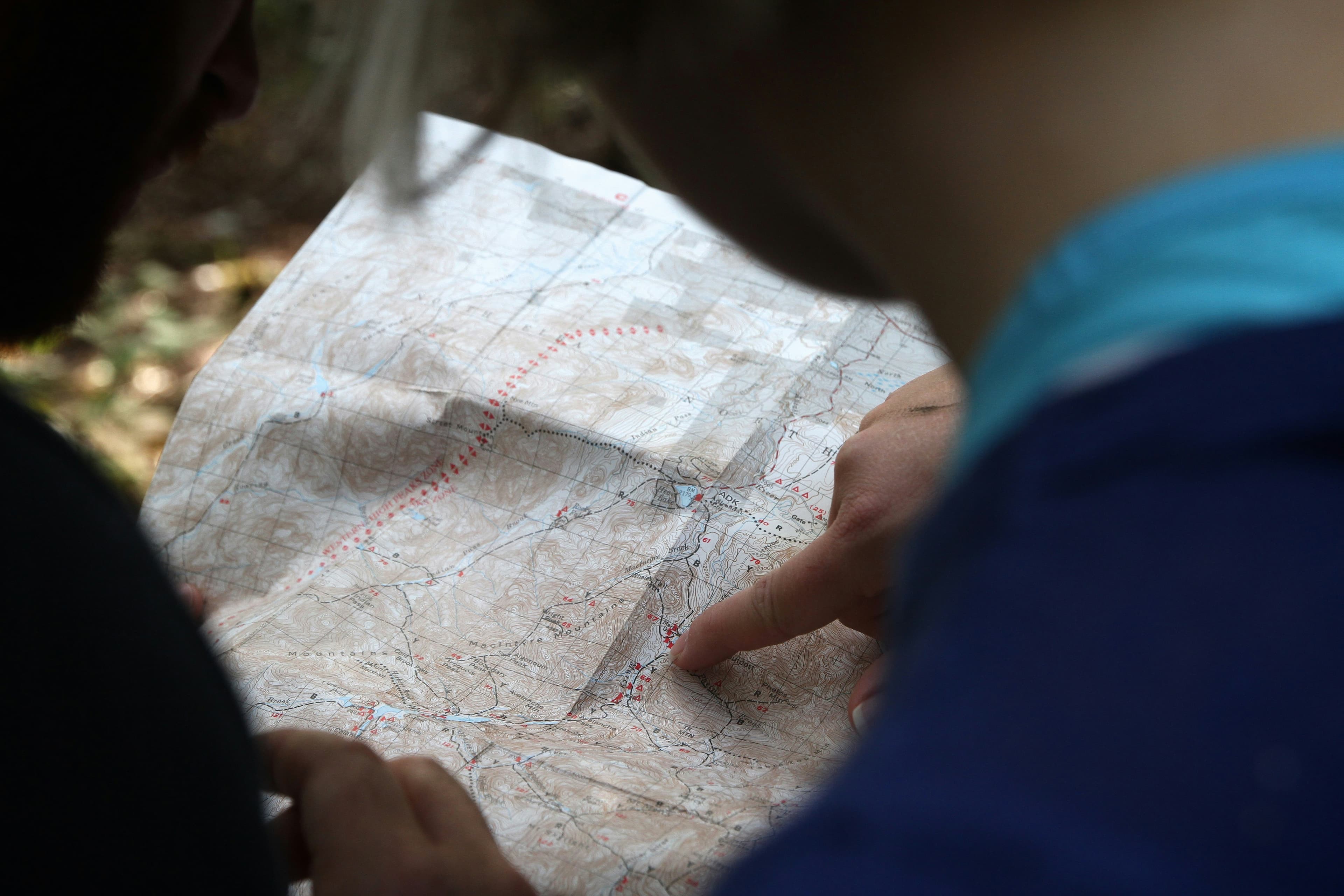
There's a particular kind of excitement that comes with tracing a line between peaks on a map. Maybe you've had a route bookmarked for months, or maybe you spotted something on a friend's activity feed that caught your eye. Either way, the planning is half the fun. But it's also where a lot of people get stuck. How steep is it really? Will there be signal on the ridge? What if you want to share the route with your walking group first?
This post is about making that whole process simpler, so you spend less time second-guessing and more time lacing up your boots.
Start with the route, not the forecast
It's tempting to pick a day and then scramble to find a walk that fits. But the best days on the hill tend to start the other way round: find a route you're genuinely excited about, then watch for a weather window.
In Trailwise, you can browse and plan routes with built-in difficulty ratings that factor in distance, elevation gain, and terrain. That means you're not just guessing whether a route is "moderate" based on someone's vague blog description from 2019. You get a clear picture of what you're signing up for before you leave the house.
If you've found a great route on another platform or a walking forum, you can import it as a GPX file directly into Trailwise. And if you've built something in Trailwise that you want to take to a GPS device or another app, you can export it as GPX too, which is part of Pro. No lock-in, no hassle.
Download your maps before you lose signal
This one catches people out more often than you'd think. You're 45 minutes into a walk, the path forks, and your phone shows zero bars. If you haven't downloaded your maps ahead of time, you're left relying on memory or guesswork. Neither is ideal when the cloud rolls in.
The TrailWise mobile app lets you download offline maps for any region from the map screen before you head out, so you're not navigating blind even in the most remote spots. Offline maps are a Pro feature, and they're one of those things that feels unnecessary until the moment it saves your day.
A good habit to build: download your maps the evening before while you're on Wi-Fi. It takes a minute or two, and it removes one more thing to worry about on the morning of your walk.
Know what you're getting into
Route difficulty ratings become really valuable when you're planning for a group with mixed experience, or when you're trying something new yourself. In Trailwise, difficulty takes into account more than just distance. Elevation profile, terrain type, and total ascent all factor in, giving you a much more realistic sense of the day ahead.
This is especially helpful if you're working through a fell list and picking your next target. Some fells look straightforward on paper but involve steep scrambles or long boggy approaches that add real time and effort. Checking the difficulty rating in advance helps you match the route to your energy levels and the conditions on the day.
Apps like AllTrails and Strava have started leaning into trail difficulty data and route recommendations, which shows just how important this information is to people planning their time outdoors. Trailwise takes this a step further by tying difficulty directly into your route planning workflow, so you're not jumping between apps to piece a plan together.
Share the plan before you go
One of the underrated parts of route planning is being able to share it. Whether you're coordinating with a walking group or just letting someone at home know where you'll be, having a shareable route is practical and reassuring.
In Trailwise, you can turn any route into a dated trip and share a link with your group. The trip comes with weather predictions and a gear list, and anyone you send the link to can view the plan, get directions, and download the GPX without needing an account. It's a small thing, but it makes group walks run noticeably smoother. No more "I thought we were going left" moments at the first junction.
The planning pays off on the hill
There's a real difference between a walk where you're constantly checking your phone and one where you can just look up and enjoy the view. Good planning creates that breathing room. When you know the route, you've checked the difficulty, your maps are downloaded, and your group knows the plan, the walk itself becomes what it should be: time spent outside, moving through a landscape you chose on purpose.
If you haven't tried planning a route in Trailwise yet, the free tier is a great place to start: build up to three routes and check the difficulty on every one. Upgrade to Pro when you want unlimited routes, offline maps, and GPX export.
Sign up at trailwise.io/register or download the app on iOS and Android.